AI Design Tools That Produce Editable Outputs
Editability is the hidden criterion separating tools that matter from demos that dazzle.
Not price, not how slick the demo looked, not how many templates it ships with. Whether the file it hands back is alive or dead.
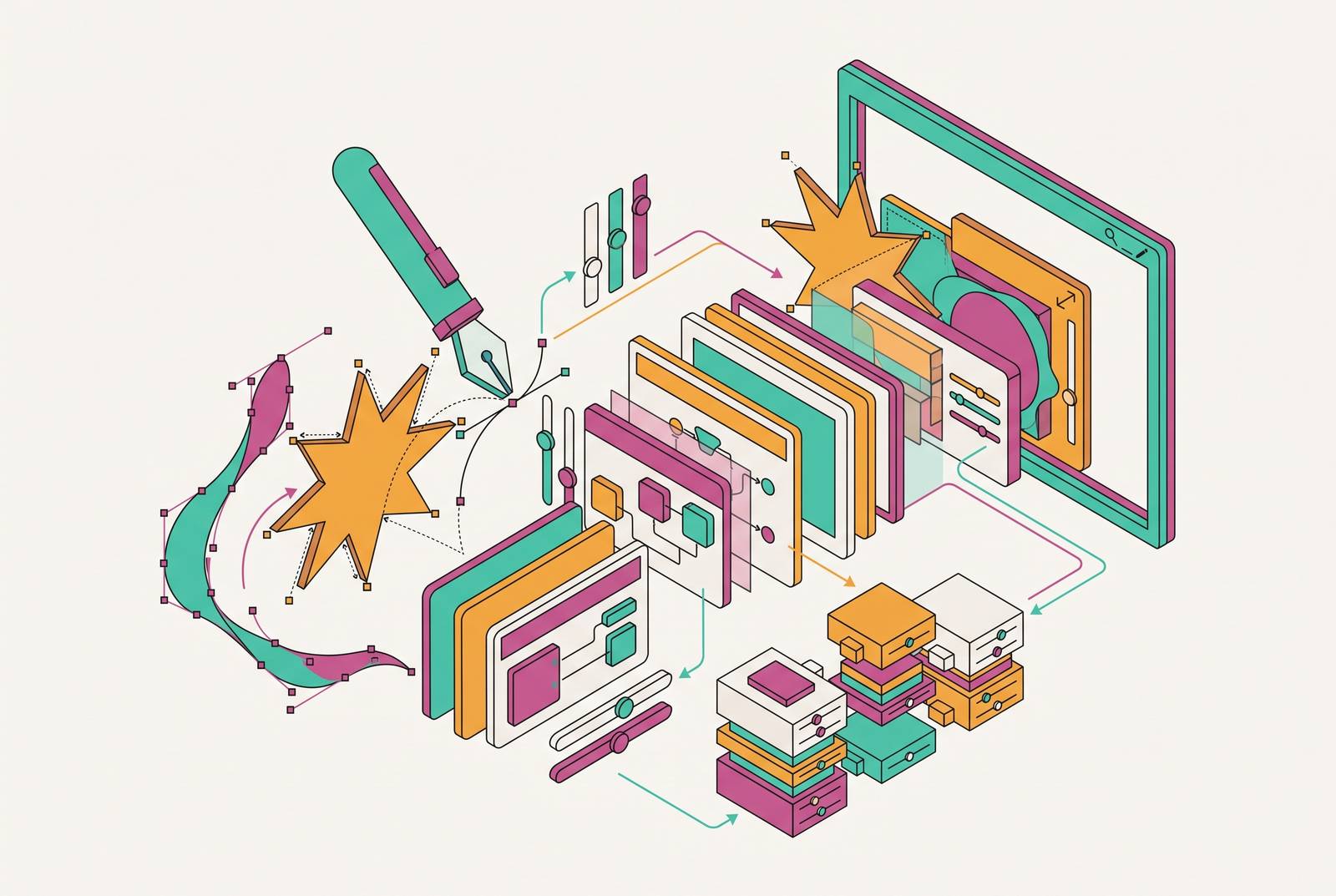
The market has gotten so crowded that picking a tool by vibes alone is a losing game for anyone without a design background. There are, broadly, two kinds of output on offer. One is a raster image: flat, merged, pixels locked in place, gorgeous to look at and impossible to argue with. The other is a living design, built from layers and shapes and type that stay separate and adjustable long after the AI has finished its job. A beautiful generated image is genuinely useful for exploring a direction, but it's a rough handoff the moment someone has to move a shape, swap a font, or resize the same idea for ten different formats⟚c3. That's the moment this piece is organized around, and every tool that follows gets read through that lens.
The 2026 AI design tool landscape splits into four distinct output categories
Think of the landscape less like a single leaderboard and more like four separate rooms, each with a different kind of exit. The first room produces editable UI and UX files, tools whose output slots directly into a product design pipeline, names like Figma, Galileo AI, and Uizard living here. The second produces raster images: Midjourney, Adobe Firefly, and Stable Diffusion are all in this category, turning out high-quality pictures that still need a separate production step before they're brand-ready. The third produces functional prototypes and working code: a deployable interface or a codebase rather than a picture of one, with Lovable, Bolt, and v0 as the standing examples. The fourth is the marketing and brand visual category, covered in depth next, where the output has to be both good-looking and endlessly re-editable by someone who isn't a designer.
None of these four rooms are ranked above the others. They're just different jobs. What ties the 2026 generation of tools together, regardless of which room they live in, is a shift toward editability as the default rather than the exception: outputs increasingly let someone manipulate individual components, export working code, or hand a file to a developer without anybody redrawing it by hand. So before opening any comparison chart, the actual homework is simpler: decide what the final result needs to be. A static image, an editable vector file, a full campaign layout, a working interface, or a published site. Everything downstream depends on getting that one decision right first.
AI tools that produce editable marketing and brand visuals
This is the category that matters most for go-to-market teams, because "editable" turns from a technical footnote into the whole point of the purchase here.
Figma Buzz launched as part of a simultaneous four-product release that also included Figma Make, Figma Sites, and Figma Draw. AI credit metering took effect in March 2026, and once a team runs over its limit, AI features simply stop working until an admin buys more credits, either through a subscription add-on or pay-as-you-go. That's a real cost to plan around for any team running high volume through automated assistance, since it's no longer bundled in for free.
Adobe Firefly comes at the problem from the licensing side. Generative Fill, Generative Expand, and Generative Recolor live inside Photoshop, Illustrator, and Adobe Express, connecting to existing Creative Cloud workflows. There's also a Custom Models feature that trains generation on a brand's own approved visual assets, currently in self-serve beta for Firefly Premium subscribers, though the full enterprise version (Firefly Foundry, the Custom Models API) sits behind enterprise-tier plans. That means the output can genuinely look like a brand's actual visual language rather than a generic AI aesthetic, but a seed-stage startup isn't getting the enterprise version any time soon. Pricing runs a limited free tier plus paid plans.
Linearity AI takes a different technical approach entirely, solving the editability problem structurally rather than as an afterthought. Its output is native vector: shapes, images, and layouts that stay editable after the AI has generated them, not flattened into a single image layer. It runs two separate modes, Image Mode and Vector Asset Mode, each tuned for a different kind of job inside the same platform. Pricing is a free plan plus a paid tier billed per editor per month, billed annually.
Kittl suits a narrower job: type-led graphics, posters, merchandise, anything where the lettering itself is doing the design work. It has a free plan, though teams should check how well it fits into a wider brand system before leaning on it too heavily.
Recraft is built specifically for brand assets and illustration work, and it's noted for design-forward image and vector generation, also with a free plan on offer.
Ideogram solves a problem that trips up almost every other image generator: legible typography rendered correctly inside the image itself, which makes it the strongest option specifically for designs where the words in the picture actually need to be readable. Most of what it produces is still raster artwork, though, and it needs a separate production step before it becomes an editable asset. Pricing is free, with a Plus plan available on annual billing.
Microsoft Designer rounds out the category as the low-friction, already-in-your-inbox option. It's free with any Microsoft account and runs on DALL-E, with deep Microsoft 365 integration that makes it useful for teams already operating in that ecosystem. Pricing starts through an M365 subscription, and it's best suited to quick graphics rather than full campaign production.
Somewhere between the pure image generators above and the full production suites sits the platform this guide is published on: a canvas-based tool built specifically for go-to-market teams and operators, not trained designers. The pitch is that it goes further than an image generator's flash. It's that a non-designer can open the file six months later, swap the headline, resize it for a new placement, and never touch a redraw.
The test for every tool in this category is the same, regardless of price or polish: open the finished file and check whether the typography, images, shapes, paths, layers, and layout are still independently adjustable, or whether they've fused into one immovable picture. Then check whether that approved direction can actually be resized, translated, reviewed, and exported for the specific channels a team ships to. A workflow that shows up often in practice: generate a handful of creative directions in an image generator for aesthetic range, then rebuild the winning one inside a production-safe editable tool for the assets that actually ship. The generator's job is ideas. The editable tool's job is delivery. Among image generators, this tool offers the strongest IP-safety guarantees, having been trained on licensed content and positioned as commercially safe.
AI tools that produce editable UI and product interfaces
The test changes shape once the output is a product screen instead of a poster. Nobody's asking "can I change the font" anymore. The question is whether what came out of the prompt is close enough to a real interface that engineering can pick it up and run.
Figma Make launched in 2025 as part of the same release wave as Buzz, Sites, and Draw. It works as prompt-to-prototype: describe an idea in plain language and move toward something interactive without hand-building every button and state.
Flowstep does something genuinely distinct: instead of generating one screen at a time, it produces several connected screens from a single brief, so a flow feels like a flow rather than a set of disconnected mockups. Designs paste straight into Figma with Command-Shift-C and Command-V, no plugin required. It also accepts images, URLs, and full PRDs as context, so what comes out follows an existing product direction instead of defaulting to something generic. On the technical side, it exports React, TypeScript, and Tailwind CSS, and its MCP connectivity plugs into AI-assisted dev workflows. Pricing is a free plan plus a usage-based Starter paid tier, with no publicly listed Enterprise option. It's a product and interface tool through and through, not a fit for standalone illustration or social graphics.
Galileo AI takes a description of a screen or flow and turns it into a high-fidelity, editable mockup. Its outputs are Figma-compatible, dropping straight into a workflow a product team is probably already running. Pricing varies by source, with limited free access reported.
Uizard has one trick nothing else on this list can do: photograph a hand-drawn UI sketch on a napkin, and it converts that sketch into an editable digital design. It also handles the more expected prompt-to-interface and screenshot-to-interface paths. Pricing runs a free plan plus Pro at $12 per creator monthly and Business at $39 per creator monthly, both billed annually (September 2026 pricing).
Miro AI is AI embedded in a collaborative whiteboard, strongest for workshops and early brainstorming rather than shipping actual interface files. Free plan available, limited.
That's a genuinely different relationship between design and engineering than existed even a couple of years earlier. The Designer Fund and Foundation Capital AI in Design report finds that teams are moving away from static deliverables, with prototypes becoming a more central design output and replacing mockups on some teams, and about half of designers surveyed have shipped AI-generated code to production.
AI image generators in a production workflow
Image generators deserve a section of their own precisely because they're the most visible part of this whole market and the most likely to get used for the wrong job. None of what follows is a knock on how good these tools are at generating images. It's about where that skill actually fits in a pipeline.
Midjourney V7 improved meaningfully on photorealism and prompt accuracy over earlier versions. Paid plans start at a low monthly rate and permit commercial use. By 2026 it had become something close to an industry default for moodboards, brand exploration, ad creative direction, and conceptual visuals, the kind of work that used to eat days of a creative team's time and now takes closer to an hour. It's not a production design tool, though. What comes out is flattened, and turning it into something a brand can actually ship still requires a separate editable step.
Adobe Firefly shows up here again as an image generator, covered more fully in the marketing-visuals section above. Its Generative Fill and composition-extension tools generate and extend raster images, fitting into Adobe creative workflows rather than replacing them. The same commercial-safety argument from the earlier section holds here too: it remains the strongest bet on IP guarantees among the image generators covered.
Stable Diffusion sits here. It's open-source, can run locally, and gives a technical user total control over how the model behaves, making it the highest-friction option for anyone without that technical background. It's free to self-host, with DreamStudio credit packs available for anyone who'd rather not run it themselves.
DALL-E 3 lives inside ChatGPT, so prompt refinement happens conversationally rather than through a dedicated interface. There's a limited free tier, with heavier usage available through a ChatGPT Plus subscription. What it gains in conversational ease, it loses in direct control over the actual visual structure of the output.
Leonardo AI rounds out the group with flexible generation and detailed controls over the image-generation process, also with a free plan available.
The tools above produce the most visually striking demo results of anything covered in this piece, and that's what makes them the most likely to get adopted for a job they were never built for. A team running Midjourney as its production design tool will work fine right up until the brand manager asks for the exact approved shade of blue, or the campaign needs a ninth format nobody planned for, or the headline just changes. None of that is a flaw in Midjourney. It's a mismatch between what the tool does and what the job needs. The workaround that shows up across real teams is the same two-step pattern from the marketing-visuals section: generate the concept in an image generator, then rebuild the winner inside a tool built for editing. Ideation in one place, delivery in another.
AI tools that produce functional code and deployable websites
Lov