Design Handoff Problems Between Designers and Non-Designers
Non-designers filling knowledge gaps with guesses is where brand integrity falls apart.
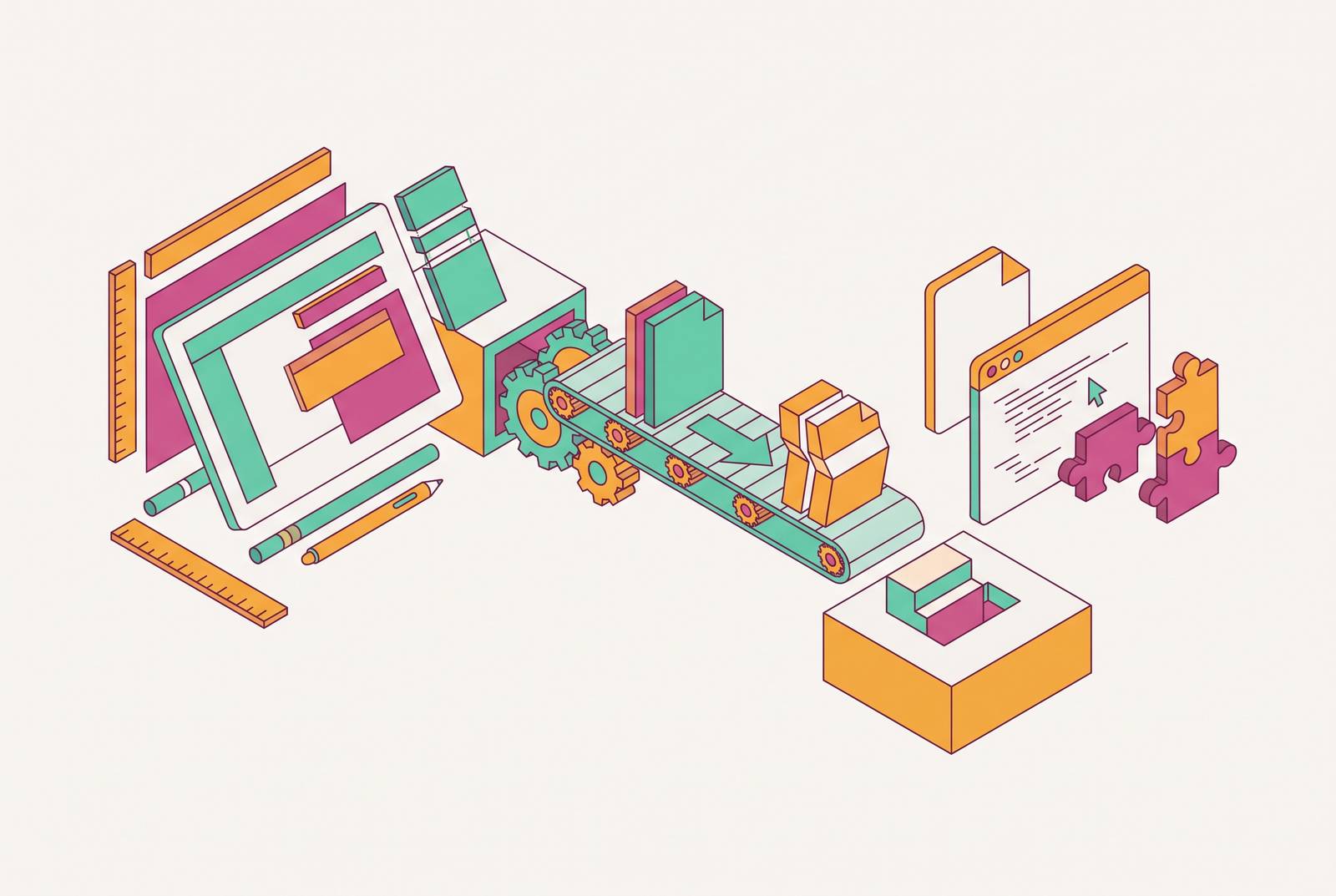
Design handoff breaks down for a boring, structural reason: the model was built for engineers, and most of the people receiving handoffs today are not engineers. A salesperson editing a one-pager, a chief of staff rebuilding a slide deck, a marketer swapping in new copy, none of them were ever taught the vocabulary the handoff assumes they already know. Fixing that is less about training people to think like designers and more about changing what gets transferred, and how.
The two failure modes that explain almost every handoff breakdown
Figr's 2026 analysis of design handoff names two distinct gaps, and once you see them, they're hard to unsee in almost any breakdown you look at.
The first is the Context Gap. This is missing intent: the receiver can see the final layout, but not the user need it was addressing, the business rule behind a decision, or the edge case that made a designer choose one option over another. The second is the Artifact Gap, which is missing build information. The visible design exists in full color, but the implementation details, the states, tokens, breakpoints, data assumptions, interaction rules, accessibility requirements, do not travel with it.
Both gaps produce the exact same downstream behavior. The receiver doesn't stop working just because information is missing. They fill the blank themselves, using their own judgment, and that judgment gets made without any of the context that shaped the original decision. A missing rule gets replaced with a guess instead of halting the project. It just gets replaced with a guess.
What "intent drift" looks like in practice for non-designers
A designer finishes a project, drops a link, and moves on to the next thing on the roadmap. The receiver opens the file, starts working, and hits a question almost immediately, usually something small. By the time that gets asked, though, the designer is often weeks deep into an unrelated project. So the receiver sends a Slack message, waits for a reply that may or may not come quickly, and eventually just makes the call themselves.
That gap between "question arises" and "question gets answered" is where intent drift lives. And it isn't a fringe problem: over 60% of projects show significant intent drift when the downstream team gets excluded from early exploration. Meaning most of this drift is not a rare accident, it is close to the default outcome when non-designers are looped in only at the finish line.
What does that actually look like on the ground? A sales rep updates a one-pager for a client meeting and nudges the logo over because "it looked off," never having been told there was a layout rule governing exactly where it sits. A marketer tweaks the brand blue by a shade or two to match whatever's available in their slide tool, not realizing the original hex code was non-negotiable, not a suggestion. A chief of staff reformats a deck the night before a board meeting, loses the underlying grid in the process, and ends up with something that looks like it belongs to a different company. A growth operator repurposes a social template, strips out the white space because it "felt empty," and produces an asset that's technically on-brand and visually crowded in a way that undercuts the whole point.
None of these people did anything careless. They made reasonable calls with the information available to them, which happened to be almost none.
"Dropping a link" is a notification, not a handoff
Sending a design tool's file link or a PDF in Slack treats the artifact like it explains itself. It does not, and it was never going to.
A finished design file shows the final state of a decision, but not the decision-making that got you there. It says nothing about the three layout options that were tried and rejected, the constraint that forced a particular spacing choice, or the rule that determines what's allowed to move and what absolutely is not. Design files are, in a real sense, dead the moment they're handed off; the living version of the work exists in production, in actual use, and it rarely resembles the original file with perfect fidelity by the time real content and real edge cases hit it.
The distance between "what the file visually shows" and "what someone needs to know to use it correctly" is exactly where non-designers fall through. That gap is invisible in the file itself. It becomes visible three weeks later, in a version of the asset that technically still has the right logo on it but somehow doesn't look right anymore.
What a handoff needs to communicate when the receiver is not a designer
A handoff aimed at a non-designer has to preemptively answer four questions, because the receiver is going to hit all four within the first ten minutes of opening the file. What can be changed without breaking anything? What must never be touched, and why not? What happens when the content doesn't fit the template as given? And who gets asked when none of the above is clear?
Answering those questions well requires documenting things that a lot of teams treat as tribal knowledge. The full color palette, including every variant, primary, secondary, neutral, and state colors, needs exact values attached, not "the blue one." Component states need to be spelled out: default, hover, focus, active, disabled, error, success, because a non-designer has no instinct for which of these exist and which don't. Typography needs actual rules: which font, at which size, in which context, since "make the headline bigger" means something different to everyone. Spacing needs a distinction between what's a system rule and what was just a one-off adjustment somebody made and never explained. And layout behavior needs coverage for what happens when content runs shorter or longer than whatever the template assumed.
Beyond the visual spec itself, non-designers need something developers generally don't: plain-language reasoning. A note that says "the white space on the left is intentional, it creates breathing room that makes the headline land" does more work than any annotated redline. Pairing that with an explicit list of what's locked versus editable, stated outright rather than left for someone to infer from the tool's behavior, closes most of the remaining gap. Showing one correct and one incorrect example of a template in use tends to answer the question a paragraph of instructions can't quite land.
This kind of upfront clarity has a measurable payoff. Companies with formal assumption-testing practices treat decisions as things that need to be actively communicated rather than picked up by osmosis, and they cut their rework cycles by an average of 47% compared to teams without that discipline. Explaining the "why" once, in writing, apparently saves a lot of Slack threads later.
Why locked templates are the most durable handoff for non-designer teams
A well-run walkthrough fixes the first handoff. A locked template fixes every single one that comes after it, which is really the more interesting thing to solve for.
The mechanism is straightforward: the template encodes the designer's decisions directly into the artifact itself. Editable fields are exposed, locked elements are protected, and the receiver physically cannot move the logo three pixels to the left even if it "looks off" to them, because the tool won't let them. That removes the burden of memory from the equation. Nobody has to remember the rule about margin because the file enforces it.
This reframes brand asset management as workflow infrastructure rather than glorified file storage. When brand assets are scattered across shared drives, old email threads, and someone's desktop folder from two reorgs ago, designers end up running an informal help desk, fielding "does this look right?" messages all week. Every hour spent fixing a slightly-wrong one-pager is an hour not spent on work that actually moves the brand forward, and that math doesn't improve on its own.
How AI-assisted design tools change what non-designers can do independently
The whole handoff model assumes a fixed split: designers make things, non-designers receive things. AI-assisted tools are quietly wearing that split down, and the shift is already visible in adoption numbers. 78% of professionals say AI tools noticeably speed up their workflows, and 89% of designers report working faster with AI folded into their process.
But not all "AI design tools" solve the same problem, and the distinction matters more than the hype suggests. A prompt-to-image generator produces a static picture. It looks finished, it can be genuinely impressive, and it is, for handoff purposes, a dead end: a flattened image file can't be templated, can't be governed by lock permissions, and can't be edited at the element level by whoever receives it next. It ends the workflow instead of extending it.
AI-assisted design platforms take a different approach, embedding generation inside an environment that stays editable after the fact. The output isn't a finished picture, it's a living asset, one that can still be locked down, permissioned by role, and handed off cleanly to someone who needs to change the headline without touching anything else. That difference, static output versus editable output, is close to the whole ballgame for teams trying to solve the non-designer handoff rather than just make a pretty image once.
What to look for in a platform that solves the non-designer handoff
Evaluation should ask which tool encodes a designer's decisions into the artifact itself. It's which tool encodes a designer's decisions into the artifact itself so a non-designer literally cannot break it by accident, even when they're trying to move fast under deadline pressure.
A handful of criteria fall out of that framing pretty naturally. Every output needs to stay a living design rather than flatten into an image the moment it's exported. Locking and permission controls need to exist, so specific elements can be fixed while others stay open, and that control should be assignable by role. Brand system integration should mean colors, fonts, and logos are locked to an actual brand kit rather than left to whatever the receiver happens to have saved. Template governance should let a designer build the system once and step away, with non-designers operating inside it without needing a design review every time they touch an asset. Speed on template-based tasks counts too. A tool that requires a design degree to operate correctly has already failed the assignment. And any AI features baked into the editor should generate outputs that stay editable, not static images that quietly end the workflow the moment they're created.
Figma remains the dominant professional tool in this space, and by 2026 two-thirds of its active users are reportedly non-designers, people who never trained as designers but are using the tool as part of their day-to-day work. Its underlying philosophy treats creativity as a specialist skill that gets supported with systems and scaffolding around it, which is a coherent approach, but it also means the learning curve stays fairly steep for someone who is never going to open a design tool professionally on a regular basis. That's not a knock on the tool so much as a mismatch between its design center and the growing population of people using it.
The platform that solves this problem for non-designers is the one where a designer builds the system a single time, and a non-designer can execute inside it correctly, over and over, without ever needing that designer back in the room. It's the one where a designer builds the system a single time, and a non-designer can execute inside it correctly, over and over, without ever needing that designer back in the room.
How to restructure your team's handoff process starting from where you are now
None of this requires ripping out an existing workflow and building a formal design system from scratch. Fixing it mostly means changing the ritual of the handoff itself, and the format the handoff arrives in.
For a team starting from nothing, the first move is picking one high-volume asset type, a sales deck, a one-pager, a recurring social post, and building a single template around it before trying to fix everything at once. From there, write down answers to the same four questions that come up in every non-designer handoff: what's editable, what's untouchable and why, what to do when content doesn't fit the space, and who to ask when none of that's obvious. Replace the habit of dropping a link with one recorded, 30-minute walkthrough the first time any given template gets handed off, so the reasoning behind it exists somewhere other than one designer's memory.
That's a modest amount of upfront work. It also means a handoff that holds up after the designer has moved on to three other projects, rather than one that quietly falls apart the first time someone's content runs two lines longer than the template expected.