AI Design Workflow Automation for Go-to-Market Teams
AI design automation cuts production bottlenecks when brand governance is built in first.
Pipelines now demand more visual assets per deal than any design team was built to produce, and the gap between what sales needs and what creative can ship keeps widening every quarter. None of that volume is optional anymore. AI-powered GTM strategies have unified product, sales, and marketing around automated workflows that identify ideal customer profiles and personalize outreach at scale, and visual assets are a required output at every stage of that chain, not a nice-to-have layered on top.
So the obvious fix gets tried first: hire another designer, buy another tool, add a project manager to triage requests. It doesn't work, and here's the mechanical reason why. Adding headcount or tools to a workflow built for a slower, more linear sales motion just adds another handoff, another queue, another message thread asking where the latest deck went; the teams actually pulling ahead looked at the workflow itself and rebuilt how an asset moves from request to deployment, treating design as a production system.
What AI design automation does inside a GTM workflow
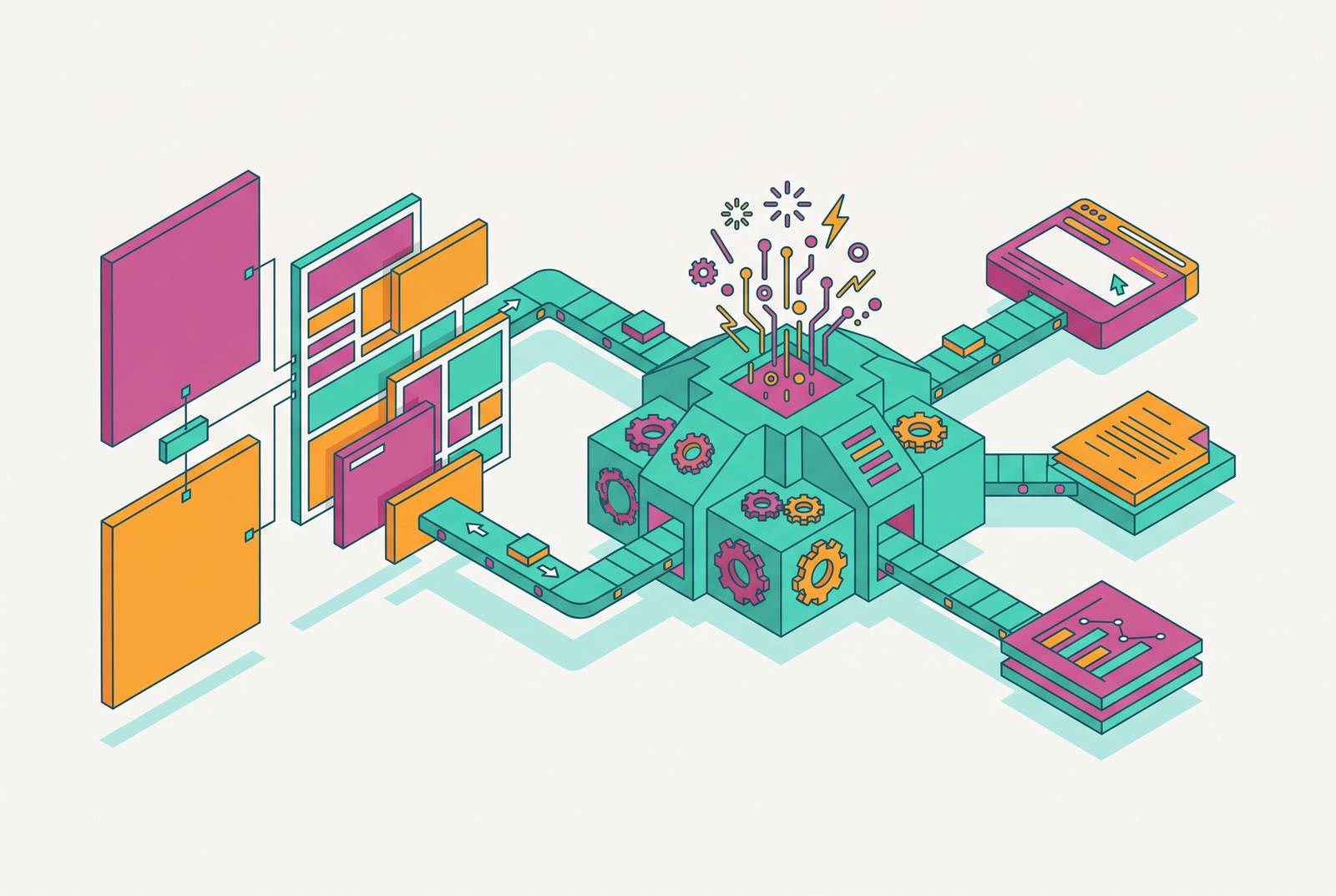
Automation handles the middle of the production chain, the part between "we need an asset" and "the asset is ready to send," and the mechanism behind it is fairly mundane. That middle layer includes resizing across formats, generating variants by segment or channel, localizing copy and imagery, populating brand-consistent templates, and pushing a single source asset into a dozen output formats without a designer touching each one individually. Every one of those tasks used to require a specialist at every handoff. Now a workflow can do it without a ticket.
Modern GTM automation connects CRM signals directly into content personalization pipelines, so a prospect's industry, role, or deal stage can trigger dynamic messaging built from that specific data, and the visual asset rides along in the same automated chain rather than arriving as a separate request three days later. One system generates six formats from that single source while the designer does something else.
Both exist now, both work, and both matter. But they intervene at different moments in the pipeline, and confusing them is how teams end up with beautifully written decks that still take three days to format.
Volume Without Brand Control
Automation doesn't fix a broken process. It amplifies whatever process already exists underneath it. A team with a structured brand system compounds its consistency advantage at every generation cycle instead. Same technology, opposite outcomes: the governance a team had in place before the automation arrived is the only variable that explains the difference.
Generic AI generators typically hit only partial accuracy on the subjective stuff, meaning colors, tone, visual composition, the elements that don't have a single correct answer the way a resized logo does. That leaves a meaningful share of every output batch needing manual review before anything ships to a prospect. At GTM scale, that review step isn't a quality gate anymore. It becomes the bottleneck itself. If every automated output still needs a human to catch a color that's slightly off-brand or a layout that breaks on mobile, the speed gain the team paid for has evaporated, and what's left is a slower process wearing an automation label.
Consider the rep who hears this argument and says: fine, run the automation, we'll just review everything before it goes out. That sounds reasonable until the volume math catches up with it. Brand-locked consistency, meaning identical visual language across every product shot, every palette choice, every layout composition, turns out to be harder to build than raw output volume and considerably more valuable once it exists. Volume without that consistency doesn't add signal to a brand. It adds noise, and noise at scale is a pipeline risk, not a creative inconvenience: a prospect who gets a slightly-off-brand deck on Tuesday and a correctly-branded one on Thursday notices, and what they notice is a company that doesn't have its act together.
The three-layer brand system that makes automation safe to run at scale
Reliable automated output doesn't come from picking the right tool. It comes from three layers working together, each one catching what the layer before it might miss.
The first layer is brand documentation, though calling it documentation undersells what it needs to be. Colors, typography, spacing rules, composition logic, aesthetic direction all need to exist in a form the automation system can actually reference at generation time, not a brand guidelines PDF sitting in a shared drive that nobody has opened in months. Structured parameters that tools consume directly, hex codes and type scales the system reads the way a recipe reads measurements.
The second layer is a standardized prompt or generation prefix, and this is where a lot of teams skip a step they shouldn't. Every asset the automated system produces needs to inherit brand parameters at the moment of generation, not as a correction applied after the fact. Fixing brand drift in post-production is exactly the manual review bottleneck the previous section described. Baking the brand parameters into the generation step itself prevents that bottleneck from forming.
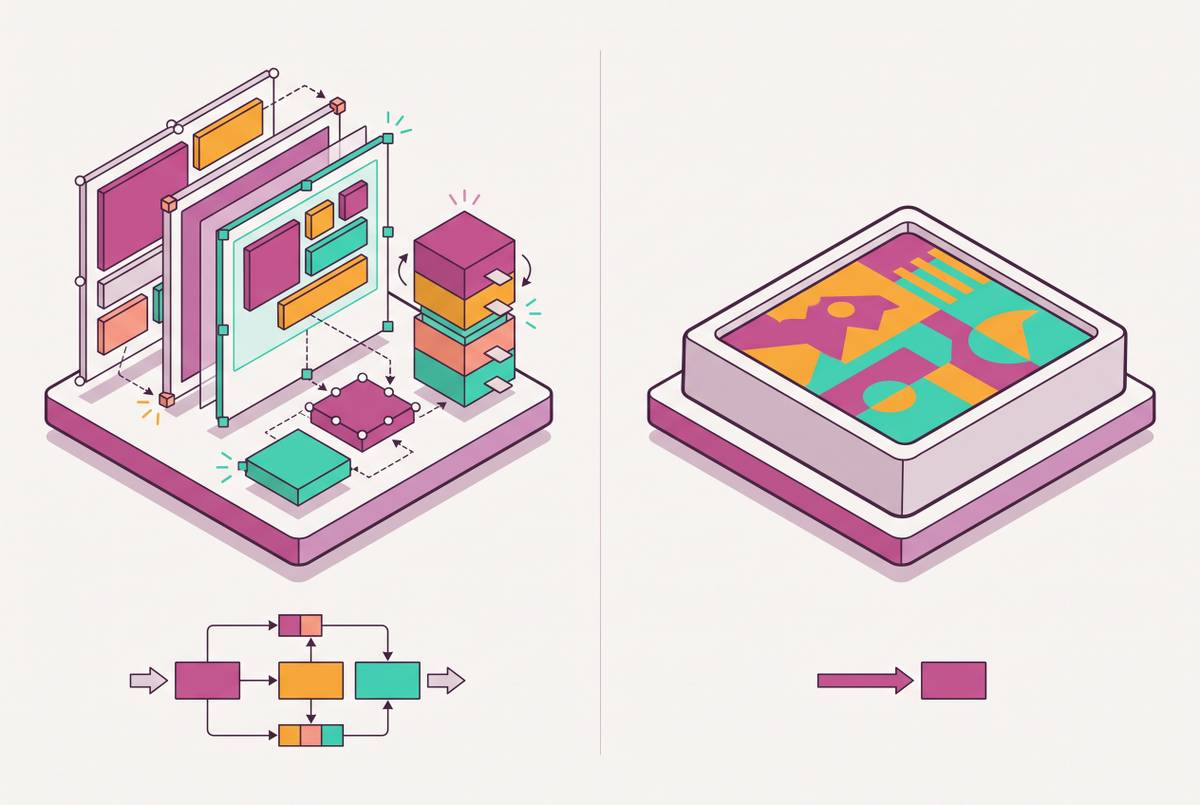
The third layer is a template system with locked elements that bounds the risk. Designers set the structural and brand constraints once, at the start, and from that point forward operators and marketers populate variants inside those constraints without needing a designer's sign-off on each one. The brand can't drift past a certain point, simply because the editable surface itself is bounded. A rep can swap a headline or a client logo; a rep cannot accidentally change the brand's primary color to something off the palette, because that option was never exposed to them.
How tools handle continuity across a set of assets shapes whether a GTM team's campaign across a dozen touchpoints reads as one coherent thing or a dozen things that happen to share a logo.
Editability as a Non-Negotiable Property
Run this test on any design automation tool before adopting it: can a non-designer open the output and change something without breaking it? If the answer is no, the tool is producing a picture rather than a design asset, and pictures are brittle in exactly the way GTM work can't afford.
A sales deck is almost never right on the first pass. A rep needs to swap a prospect's logo in before a call, adjust a headline to reference something the prospect said last week, update a pricing figure that changed Monday morning. The automation produced the asset faster, sure, but the moment it needed a single edit, the workflow reverted to the exact slow handoff process it was supposed to replace.
Editability isn't a feature request; it's a load-bearing requirement. If a system's output needs a designer to modify before it can be used, the workflow hasn't been automated. The bottleneck just moved one step downstream, from "waiting for the first draft" to "waiting for the fix." Full editability means every component of the asset, meaning text, images, colors, layout, individual brand elements, stays independently controllable by whoever is using it, without needing specialist software or a design request ticket.
This is the cleanest way to separate a design platform from a plain image generator. An image generator produces a pixel output: flat, final, done. A design platform produces a structured, layered asset whose components remain editable after generation. One is a photograph. The other is a working file that happens to look finished. GTM teams evaluating tools should ask which one they're actually buying, since someone inevitably tries to change a headline at 11pm before a morning call.
The specific GTM workflow stages where design automation delivers the biggest payoff
Not every stage of the funnel benefits equally from automation, and treating them as interchangeable is how teams waste a perfectly good tool on the wrong problem. The payoff clusters where three things intersect at once: high asset volume, fast speed-to-deploy requirements, and heavy personalization demands. Walking the funnel top to bottom makes clear where that intersection actually happens.
At the top of the funnel, outreach assets need to be prospect-specific, and this is where enrichment and design automation start talking to each other directly. Automated research workflows, the kind built on tools like Clay's Claygent, an AI research agent that visits websites, reads job postings, and summarizes what it finds, can feed that research straight into a personalized visual asset. The design system handles the production of the asset itself; the enrichment data fills in the specifics, the prospect's name, their company's recent funding round, the job posting that revealed they're hiring for a role the product solves for.
The middle of the funnel, sales decks and one-pagers, is probably the single highest-leverage automation point most GTM teams have access to. A locked template with editable content fields turns a prospect-ready deck into a five-minute job for a rep instead of a design-request-and-wait cycle that used to take days. AI tools now extend further back in that process too, helping structure the narrative and sequence the argument inside the deck, not just formatting slides after someone else wrote the content.
At the bottom of the funnel, proposals and follow-up materials carry their own automation case. Design automation at this stage means pricing tables, proof points, and next-step sections look consistent across every single deal a team closes, rather than each AE building their own version of a proposal from whatever template they happened to save last.
Past the sale, demand gen and social content pick up the thread. A motion-first template system can take short-form social posts, carousels, and channel-specific formats and produce all of them from one brand-consistent source asset. That long-form-to-derivative-chain pattern from earlier in the pipeline repeats here too: one webinar recording, a dozen social formats, no manual reformatting required for any of them.
Building the Asset Production System
Standing up a system like this is closer to building a small production line, and the teams that get it right treat it that way from the start, mapping what they actually produce before they touch a single automation platform.
Once that map exists, the next move is locking the brand system before automating anything on top of it. Tokens for color, typography, and spacing get defined, and the template layer that every future automated output will inherit gets built once. That's a designer's job, done a single time, specifically so that no designer needs to be involved in producing the hundredth asset the same way they were involved in producing the first.
After the brand system is locked, tool selection becomes a matching exercise. Matching the tool to the specific stage beats forcing one platform to cover territory it wasn't designed for.
The last step is measurement, and it's the one most teams get wrong by default. Counting how many assets got produced measures activity, not value. The metric that actually signals a working system is how many pipeline-ready assets went out the door without triggering a design revision request. That number tells a team whether the automation is doing its job or just producing more raw material for someone else to fix.
Preserving human judgment as the automation layer expands
The GTM teams getting the most out of design automation are the ones being precise about which steps to automate and deliberate about which ones to keep in human hands, and that distinction runs through every section of this piece.
Nobody loses a deal because a resized banner was two pixels off.
The strategic narrative inside a deck, how a one-pager gets positioned for one specific deal with its own politics and its own stakeholders, the decision about which asset belongs at which exact moment in a prospect's buying process: none of that is well-defined in the way a resize job is, and none of it is something the system has the context to decide on its own.
A hiring pattern tracks the real story of what automation is for. Leaders in 2026 are taking the hours freed up by automation and redeploying that capacity into high-touch, relationship-driven work, the calls, the custom pitches, the parts of a deal that still require a human being paying close attention. The saved time goes toward the work a system can't do.
The practical boundary sits in a simple place. A well-built design system lets a non-designer produce a compliant, on-brand asset without ever looping in a designer for that specific request. The designer's role doesn't vanish in that arrangement. It moves upstream, into building the system, setting the brand constraints, and running the quality gates that keep the whole thing honest once it's moving at full speed.