When AI Design Saves Time Versus When It Wastes It
Structured workflows unlock AI design's speed; ad-hoc use just shifts cleanup costs elsewhere.
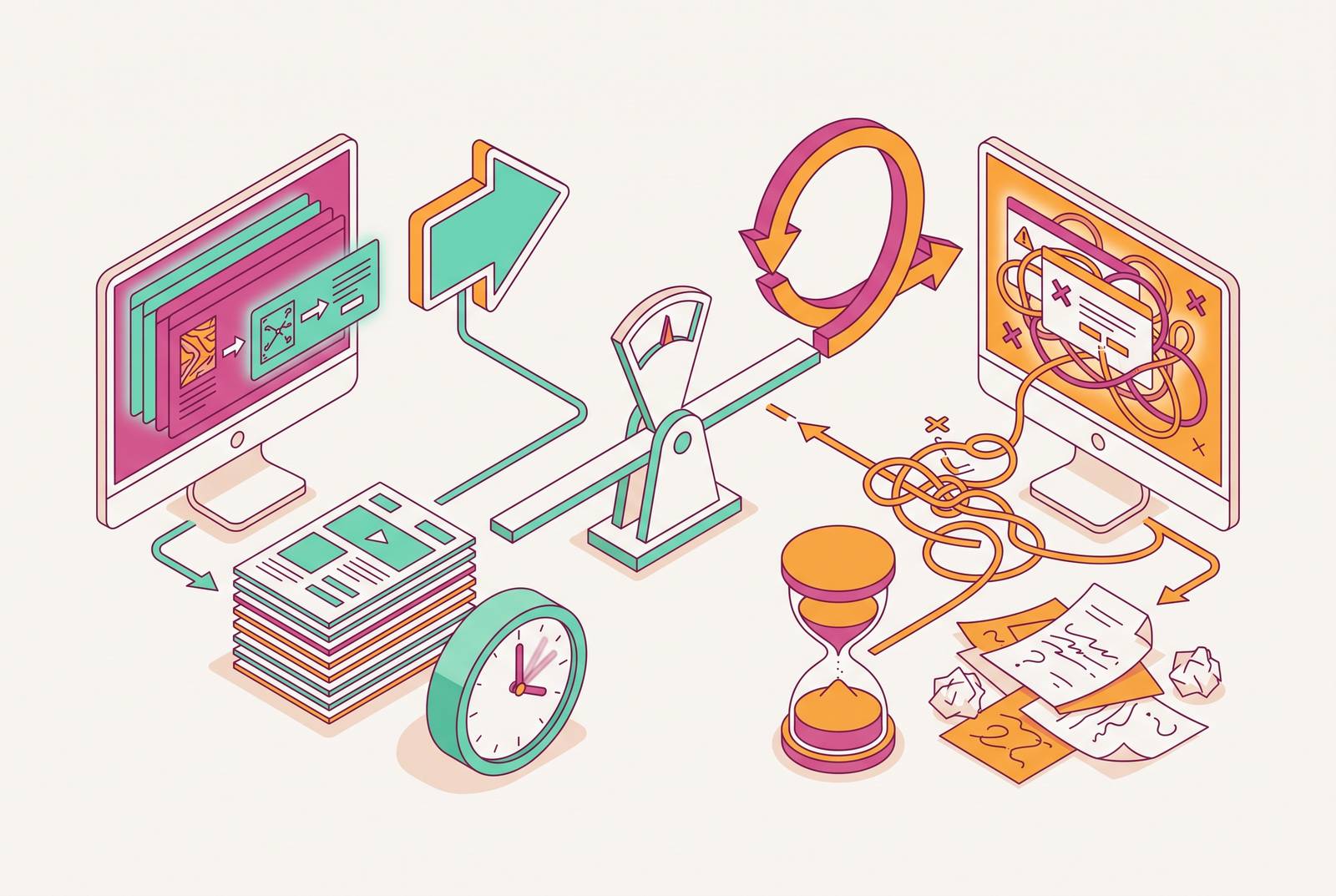
The gap between what AI design tools promise and what teams actually get comes from the process, or the lack of one, surrounding a tool that was never meant to run unsupervised. A prompt produces a deck in forty seconds, and then someone spends an hour fixing the kerning, swapping out the wrong logo, and rewriting a headline that sounded fine until a prospect's name got autofilled into it wrong. Telerik's 2026 report on design and development workflows found that a large majority of teams report a positive productivity impact from AI, yet 40% of them still spend time fixing low-quality AI output instead of shipping work faster. Those two facts sit next to each other uncomfortably, and that discomfort is the whole subject of this piece. AI design is not broken. Undisciplined AI design adoption produces the same symptoms, generic output, inconsistent branding, hours lost to cleanup, and from the outside the two are nearly impossible to tell apart until someone actually looks at what surrounds the tool.
The real productivity gap is between ad-hoc use and structured use, not between tools
The variable that decides whether AI design saves a team real time has nothing to do with which product sits in the toolbar. It comes down to whether that product is wired into a repeatable, documented process or whether it gets opened fresh every time someone has a deadline and no plan. Research on AI workflow management backs this up directly: organizations without coordinated AI frameworks spend a disproportionate share of their time reconciling conflicting outputs rather than making decisions, and the competitive edge in 2026 belongs to the teams that design better workflows, not the ones that simply generate more stuff. The mechanism is easy to picture. One person on a team uses one tool with one set of prompts, another person uses a different tool entirely, and a third just wings it with whatever brand colors they remember. Individual output might climb for each of them. Team coordination falls apart at the same time, and every handoff between those three people becomes a reconciliation project.
That same research names the resulting mess "AI slop," meaning superficially polished output with no real substance behind it, produced without any shared guidelines to keep it in line. The cost is not abstract. It occurs as hours of verification and rework that cancel out whatever speed the AI was supposed to provide in the first place.
Teams often point to a fast individual win as proof the system is working. Someone made a deck in twenty minutes, so clearly the workflow is fine. But that argument conflates individual speed with team productivity, and the two are not the same thing. A twenty-minute deck that needs forty minutes of downstream fixing by someone else is a cost shifted onto a different desk, not a productivity gain.
What a structured AI design workflow contains
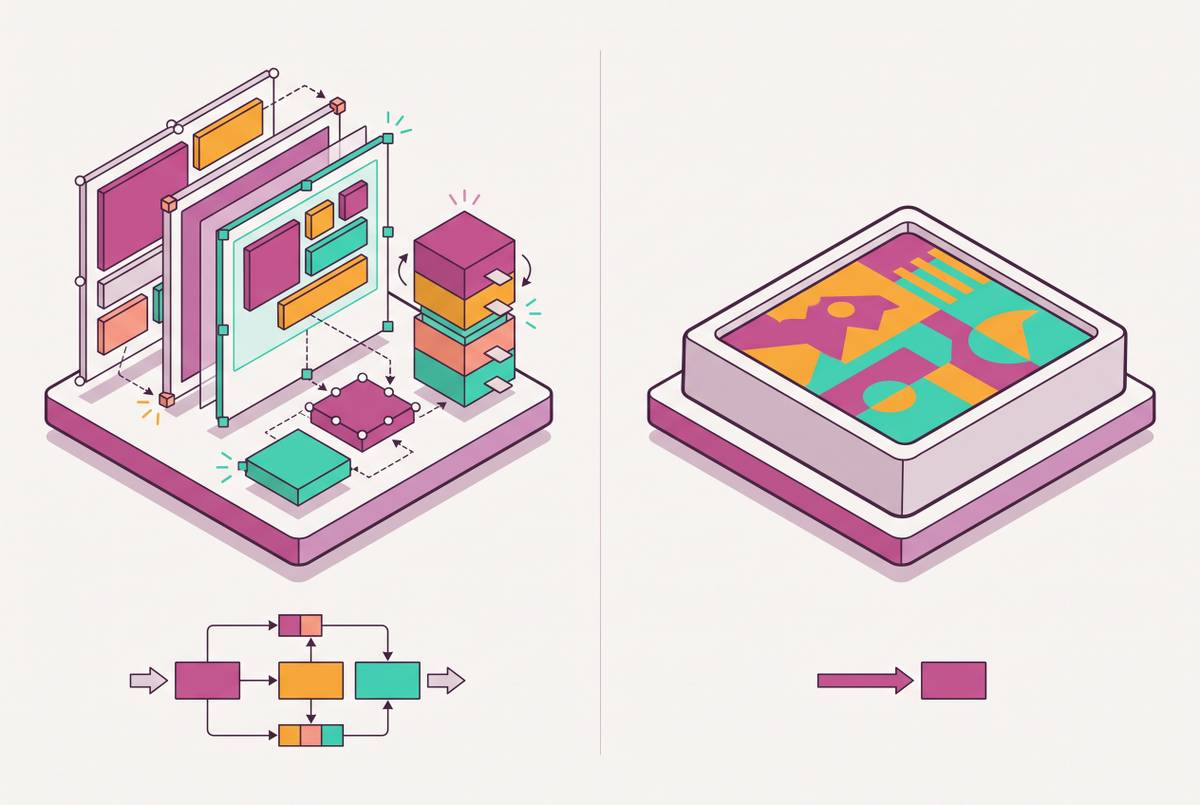
A workflow that actually works has three pieces, and they only function as a set. Pulling one out slides the whole thing back toward the ad-hoc mess described above.
The first piece is locked brand inputs: brand kits, approved color and font tokens, pre-built templates, the kind of guardrails that keep an AI tool from drifting toward whatever bland default it was trained on. Telerik's report found that 41% of teams are prioritizing effective AI implementation in 2026 and name design system governance, embedding UI standards and branding directly into AI workflows, as where that investment should go. The reasoning is straightforward: generate without guardrails and the outputs drift, slowly and then all at once, until nothing matches. Locked inputs work best enforced at the platform level, not left to individual discipline. Tools like Moda build brand kits and token-locked templates directly into the canvas, so both the AI's generation and a human's later edits stay inside the same lines automatically, which takes the guesswork off any one person's shoulders.
The second piece is a defined generation process, meaning agreed prompts, agreed asset types, agreed output formats, so five people on the same team produce work that fits together instead of five different interpretations of what the brand is supposed to look like. Research on AI workflow management shows that a well-structured brief produces noticeably higher output quality from an AI tool than a vague one-line prompt does. The feedback loop runs in hours now, not quarters, so a team can see the value of writing things down almost right away instead of waiting a fiscal year to find out it mattered.
The third piece is a human review gate, a specific checkpoint where someone checks facts, tone, and brand fit before anything leaves the building. The checkpoint keeps speed safe to use. AI can generate at a volume no designer could match by hand, but it cannot own judgment, it cannot verify that the number on slide six is still accurate, and it cannot tell whether a line of copy reads as confident or just generic. A human holds that part down, and because the checkpoint is defined in advance rather than improvised, it does not turn into its own bottleneck.
Where AI design saves the most time when the process is right
With those three pieces in place, the time savings concentrate in three specific places, not everywhere evenly.
First-draft generation is the most obvious one. AI reduces the time anyone who is not a trained designer spends facing a blank canvas, often the single most time-consuming part of design, to a matter of minutes. The draft still needs a human pass. Starting from something instead of nothing is a different kind of task altogether, and it is dramatically faster. A randomized controlled trial on prompt-to-design tools found that the productivity gains were largest for product managers, non-designers, rather than for professional designers, and especially on less complicated tasks. That finding lines up with common sense once you say it out loud: the people AI helps most are the people who struggled most before it existed.
Second, variant production at scale is where a locked template starts to pay for itself many times over. Once that master template exists, spinning out on-brand versions for different channels, different audiences, different formats becomes a repeatable operation instead of a new design project every time. Skip the locked template step and variants generated without one tend to drift visually until they look distinctly AI-made rather than on-brand, which defeats the point.
Third, and arguably the biggest shift, is enabling people who are not designers to produce work that used to require a designer or an agency. A sales rep building a one-pager, a chief of staff building a leave-behind, an operator putting together a deck the night before a board meeting, none of these are jobs that should require a creative brief and a three-day turnaround. Moda was built for exactly this gap: a real canvas with full editing control, brand kit enforcement built in, and AI generation that outputs editable elements rather than a flat image, so the person who generated the asset can actually adjust it without needing design training. Chiefs of staff and CEOs at go-to-market teams using the product describe turning work that used to take days into something finished in an afternoon. Pricing starts at $0 on the Free plan, which includes 500 AI credits per seat each month and room for up to 10 members. The Pro plan runs $30 per user per month with 6,000 credits, up to three brand kits, watermark-free exports, and custom domain websites, and Ultra runs $100 per user per month with 22,000 credits, unlimited brand kits, and shared team workspaces.
Where AI design wastes time even when teams think it is working
Four situations waste time consistently, and all four are hard to catch because the output still looks done.
The first is speeding up one step of a workflow without touching anything around it. If design is not the actual bottleneck, making design faster barely moves the needle. Research on workflow redesign makes this point with some precision: in a process where each step takes roughly equal time, doubling the speed of just one step reduces the total time only marginally. A task-level win that does not change the surrounding system raises local efficiency without raising throughput, and plenty of firms celebrate that win without checking whether it moves cycle time or revenue. Someone measured it: startups that redesigned their workflows end-to-end around AI generated 90% more revenue than equally equipped peers who only used AI to speed up individual tasks within an unchanged process.
The second is generating without any guidelines at all, which produces the AI slop described earlier: a confident-looking asset with nothing underneath it, requiring hours of verification that erase whatever time the generation step saved.
The third is subtler. Polished visuals can mask weak substance, a thin argument, an inaccurate figure, positioning so generic it could belong to any competitor in the category. Because the asset looks professional, it slides through review without anyone pushing back on it, and the actual quality problem hides behind a clean layout.
The fourth is the fragmentation described earlier, playing out at the point of output. Each team member running an independent AI workflow, different tool, different prompt habits, different sense of what counts as on-brand, can raise individual output while the collective result turns inconsistent enough to need manual reconciliation. That reconciliation routinely costs more time than the AI ever saved. A shared canvas changes that math, because it gives everyone on a team the same source of truth for what an on-brand asset looks like instead of five separate interpretations that all need to be argued back into alignment later. Telerik's report confirms that quality and reliability concerns remain one of the notable barriers to AI adoption, trailing only security and regulatory concerns, and that a meaningful share of teams are still fixing low-quality AI output rather than shipping faster. The speed gain is real on paper. Structured workflows are what keep it real in practice too.
How to build the process that makes AI design pay off consistently
Teams that get consistent returns from AI design treat the whole thing as a systems problem, not a shopping decision. The return comes from infrastructure built before generation starts, not from whichever tool gets picked.
Step one is defining before generating. Write down the use cases, the output types, and the brand rules that are supposed to govern AI design work, and do it before anyone opens a tool for a live project. This does not need to be a thick document. A single page covering approved templates, tone, and who reviews what is usually enough to prevent the coordination breakdown that quietly kills team-level output. Research on AI workflow management shows the payoff from this step arrives fast: the gap between a well-structured brief and a vague prompt is visible in the output within hours, so the investment in writing things down stops being theoretical almost immediately.
Step two is locking the brand inputs themselves: colors, fonts, logo, approved templates, built or imported into the tool before anyone starts generating assets meant for actual use. This is what makes output land on-brand by default instead of by luck, which is a much less stressful way to run a team.
Step three is assigning the human checkpoint ahead of time. Decide who reviews what, and at which stage, before anything goes out to a client, a prospect, or a public channel. The AI handles generation. A person owns accuracy, tone, and whether the thing actually fits the strategy it is supposed to serve.
Step four is mapping the whole workflow, not just the design step sitting inside it. Look at every handoff that happens before and after an asset gets created. If the real bottleneck is sitting in approval chains or distribution delays or a feedback loop that takes two weeks to close, fixing the design step first just moves the backlog somewhere else. Telerik's report found that only 14% of teams are currently using AI to improve collaboration and handoff between roles, which confirms where the real 2026 priority sits for teams that have moved past the experimentation phase. The question now is not whether to try this tool, but how AI gets governed and folded into the existing stack, roles, and process, which is a systems question, not a shopping one.
Step five is starting with the highest-volume, most repeatable work available. The use cases where a structured process pays off fastest are the ones with clear inputs, defined outputs, and frequent repetition, things like social posts, sales one-pagers, presentation templates, event announcements. The process should be built around those first, so the return can be proven before it extends elsewhere. The tool executes the work. Whether that work compounds into something a whole team benefits from, or stays a nice trick one person figured out, depends on the process.
Applying the structured approach to the asset types go-to-market teams produce most often
The structured workflow described above does not apply evenly across every asset type a go-to-market team produces. It pays off most where the deliverable is high-stakes, gets produced often, and currently takes longer than anyone would like to admit out loud.
Take the sales deck. A visually polished deck with placeholder data still sitting in it, or positioning so generic it could belong to any vendor in the category, is instantly recognizable to a prepared buyer as something AI-generated and never actually reviewed. Structure fixes this by making human review a required step rather than something that happens only if there is time left over. Moda generates slide decks as fully editable designs on a real canvas, so a seller can take the AI's first draft and actually personalize it instead of starting from zero or waiting on a designer's calendar to open up. The Free plan covers decks up to ten slides, and the Pro plan removes that limit entirely for teams producing decks at real volume.
The same logic carries over to one-pagers, leave-behinds, and event announcements, the kind of repeatable, high-frequency assets named in the previous section. Locked templates make the variants consistent. A defined review step catches the account-specific details, the pricing figure, the customer name, that AI has no way of knowing are wrong on its own. None of this demands a design team standing by. It demands a process that was actually written down before the first prompt ever got typed in.